Rebuilding the instant-camera ritual
This started with a simple question: can a browser camera preserve the physical anticipation of an instant photo instead of applying a filter and finishing immediately?
The result is a one-file experience built with HTML, CSS, JavaScript, browser media and audio APIs, and Tailwind utilities loaded from a CDN. There is no application framework, server, or build step.
The wait is part of the product
Most digital camera effects skip the development part. They apply a filter instantly and call it done. I wanted the capture to become a sequence: shutter, flash, mechanical sound, ejection, and a slow reveal from a dark blurred frame into a finished print.
Capture pipeline · hand-written JS
getUserMedia
Live webcam, 1080² ideal
MediaStream into a <video>, wired up by hand
canvas · toDataURL
Freeze the frame
One of four CSS filter grades re-applied via ctx.filter on export
CSS transition · 14s
Develop, dark frame → image
A long filter + opacity ease — the wait is the whole experience
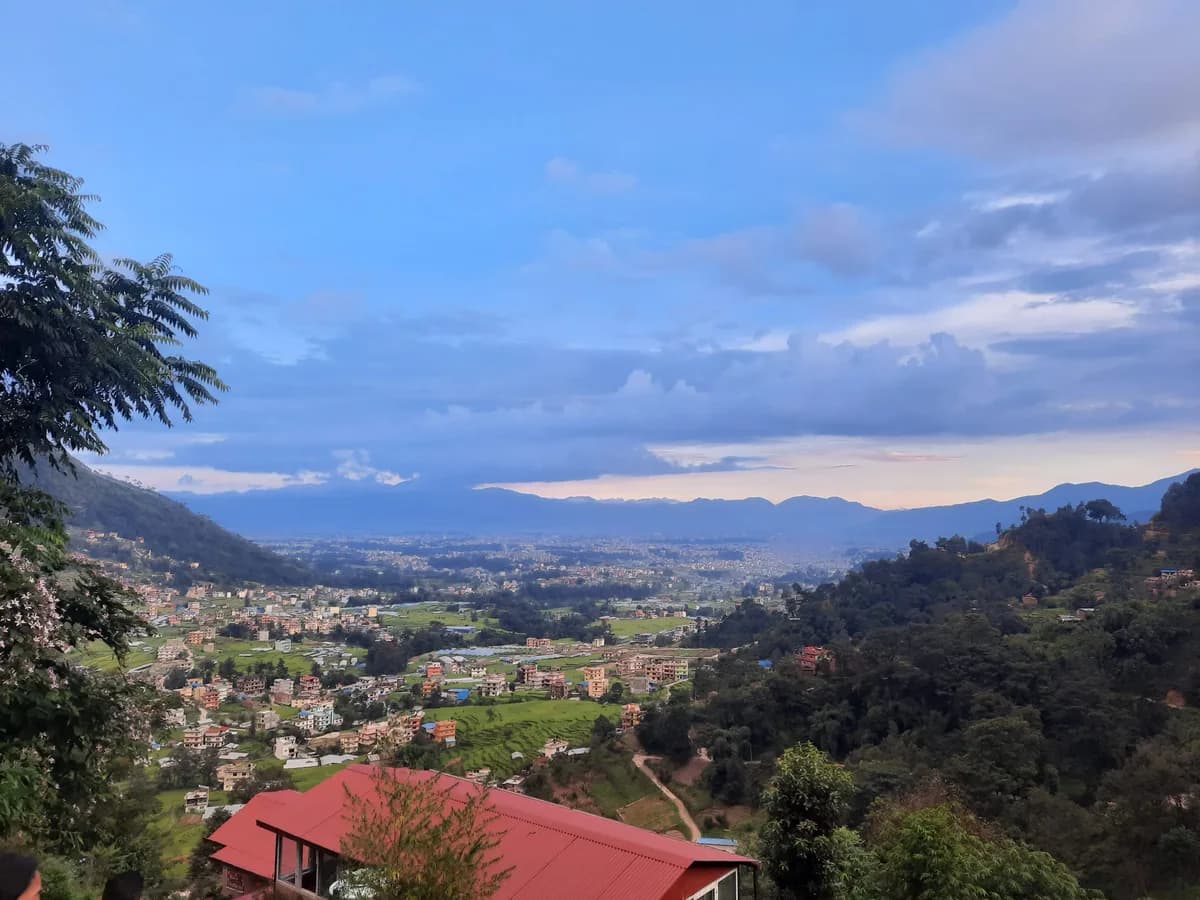
The browser takes a square crop from the webcam stream and writes it to a hidden canvas. The camera then flashes, recoils, and synthesizes the shutter and motor sounds with the Web Audio API. Finally, a print ejects for four seconds, moves onto the desk, and develops over fourteen seconds.
The 14-second develop
Shipped · 41%
ease · cubic-bezier(.25, .1, .25, 1)
Linear · 25%
same endpoints, for comparison
The reveal is front-loaded. The picture becomes readable early, then settles slowly through the rest of the transition. That balance preserves the wait without making every shot feel blocked.
Making the page behave like a desk
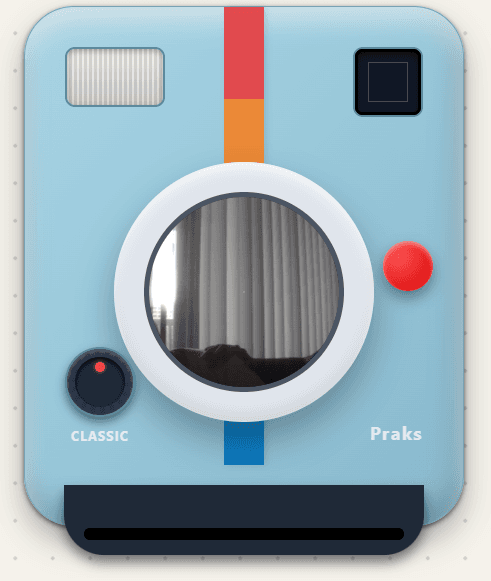
The camera body, lens, viewfinder, shutter, print slot, and effect dial are drawn with CSS. The camera sits on a pannable dotted workspace and can be dragged independently. Finished photos land on the same surface, receive a small random rotation, rise above one another when selected, and can be moved into an arrangement.
The physical dial cycles through Classic, Noir, Vintage, and Cyan. The selected effect is captured with the shot, so changing the dial later does not rewrite an existing print.
The interface is not a camera-shaped form. It is a small play space whose objects remember how the person moved them.
Exporting what the interface shows
Each print has a short handwritten caption field. On download, an offscreen canvas reconstructs the white frame, applies the selected filter to the image pixels, and draws the caption into the exported JPEG.
Downloading multiple prints processes them one at a time. This keeps the exported artifact consistent with the developed photo instead of saving only the unfiltered webcam frame.
The honest limits
Camera access requires HTTPS and explicit permission. A denied permission leaves the lens empty rather than offering an upload fallback. Prints also live only in the current tab, so closing or refreshing the page clears the desk unless they were downloaded.
The one-file constraint made the experiment easy to ship, but the file now contains layout, state, audio synthesis, pointer handling, camera capture, and export logic together. If the project grows again, separating those responsibilities is the first maintenance improvement I would make.