My first real job. Kathmandu. Government software.
My final year internship at Tribhuvan University required a placement at a real company. I joined SimplySoft Technology Pvt. Ltd. in Dillibazar, Kathmandu: a 15-person software firm that worked almost exclusively on government projects. Their client list included the Ministry of Finance, Nepal Bank Limited, the Office of the Comptroller and Auditor General. Small team, serious work.
My mentor was Kunjan Pandey, the Managing Director. I worked day-to-day with two senior Angular developers, Suraj Sir and Roshan Sir. Three months, Sunday through Friday, 11am to 5:30pm. My first professional engineering role.
Digitizing Nepal's tax receipts, from scratch
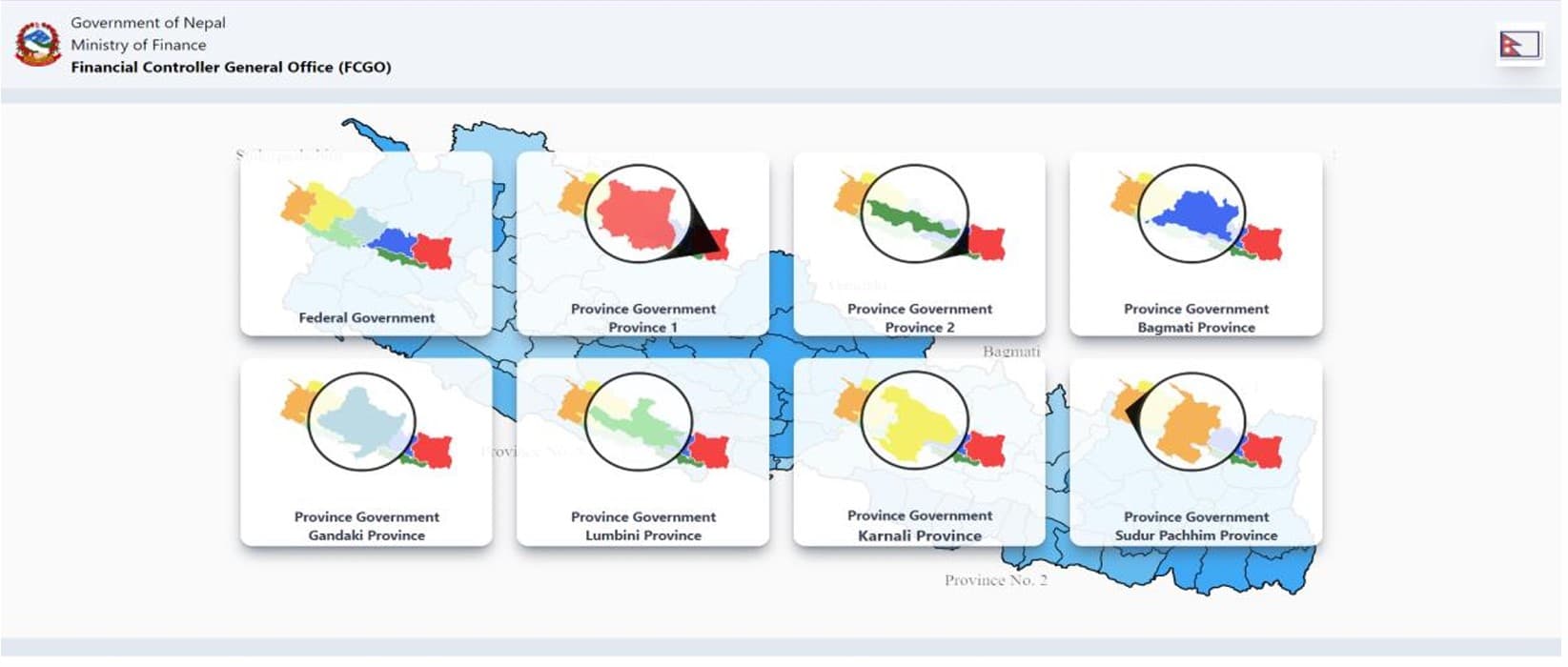
SimplySoft was contracted by the Financial Comptroller General Office (FCGO) to build a Revenue Platform: a centralized portal for tax payment management across Nepal. Revenue collection was scattered across district offices with manual entry, paper receipts, and no unified record of what had been paid, by whom, when. There was no aggregated view. Reconciliation was slow and error-prone.
The production version of the platform was already live and in use. My assignment was to build an internal testing clone from scratch: a sandbox environment where the team could experiment with new UI components, test new technologies, and probe security vulnerabilities before anything touched production. It was also a training project. Build the whole thing, understand every layer.
Week by week
The first four weeks were pure learning. Angular was new to me. I worked through components, lifecycle hooks, data binding, dependency injection, services, routing, forms. Not just tutorials; every concept had to become something I'd built. By week four I had a working add-to-cart eCommerce app that used all of it.
Week five: I built a functional copy of the existing Revenue Platform UI. The supervisor reviewed it, gave feedback on scalability and code reusability, and sent me back to do it better. That cycle, build, demo, feedback, rebuild, repeated throughout the internship. SimplySoft ran agile. There were no quarterly reviews; there were daily check-ins and weekly demos.
By weeks six and seven I had the refactored frontend plus a MongoDB database with two collections: pandata (PAN number, name, address, phone, payment status, amount, revenue head, purpose) and location (district and office data in nested JSON). From week seven onward I built out the full application: backend API, all the views, the analysis layer.
The UI design process
Before writing a line of Angular, I wireframed in Figma. The homepage, the receipt creation form, and the analysis dashboard all went through a design pass before implementation. The team reviewed the wireframes, gave feedback, and signed off. That process existed in industry for a reason: it caught structural problems before they became code problems.
The receipt creation form was the view that got the most design attention, because it deserved it. The users of this form are civil servants in district offices across Nepal: varying levels of digital familiarity, working with high-stakes government data, no margin for input errors. A mistake in a tax receipt isn't like a typo in a chat message. The design had to account for the actual context these users would be in.
The most important decision was cascading dropdowns for location selection (province, then district, then office) rather than free-text fields. Civil servants shouldn't need to remember the exact administrative name of their office, and they shouldn't be able to type something that doesn't match a valid record. Constraining the input space to a predefined set eliminates an entire category of data errors. The database stores the full geographic hierarchy; the form just exposes it as a controlled selection.
Progressive disclosure was applied to the office dropdown specifically. It doesn't appear at all until a district is selected. This reduces the initial form complexity (a new user sees fewer fields) and prevents invalid combinations where someone might try to select an office that doesn't belong to the chosen district. The form only opens up as the user provides valid context.
Confirmation before commitment: after form submission, a receipt preview renders before anything is finalized. The user sees exactly what record is about to be created (PAN number, name, amount, fiscal year, office, all of it) and confirms it. This matters because the users may not have a strong mental model of what data they've just entered as a whole; seeing it assembled as a receipt gives them a final check. The preview also serves as implicit validation that the system understood their input correctly.
The analysis dashboard was designed before the API was built, not after. I sketched three charts, each answering a distinct question that a district administrator would plausibly need to answer: How much has been collected versus how much is outstanding? (Stacked bar chart, paid vs. unpaid per category.) Which banks are processing the most volume? (Line chart, total per bank.) How has collection changed across fiscal years? (Pie chart, totals by year in Bikram Sambat, 2073–2079.) Three questions, three charts, each with a clear purpose. Once those were defined, I built the /api/analysis endpoint to return data in the exact format each chart needed, with aggregation happening on the server rather than in the browser.
Designing for users who may be encountering a web form for the first time was a useful forcing function. I walked through the receipt creation flow mentally, asking at each step: could someone complete this correctly without any documentation or training? When the answer was uncertain, that was a signal to simplify. That constraint removed several fields I'd initially included that weren't strictly necessary for the record, and tightened the copy on labels and confirmation messages.
Every route, every view
The database lives in MongoDB. Two documents: location stores the geographic hierarchy (province, district, office) used to populate cascading dropdowns. pandata stores every payment record.
The REST API runs on Node.js. I defined routes for every data access pattern the frontend needed:
GET /api/status/paid(all paid vouchers)GET /api/status/unpaid(all unpaid vouchers)GET /api/byPan/:panNumber(user details by PAN)GET /api/analysis(custom-formatted data for charts)
Each route returns only the data its consumer needs. The analysis route returns pre-aggregated data formatted specifically for ChartJS: total per bank, total per fiscal year, paid vs. unpaid totals. Raw records stay on the server.
The Create Receipt page is the core flow. A user selects their province, then a district (cascading dropdown populated from the database based on province), then an office within that district. Only after a district is selected does the office dropdown appear, controlled by form validation. Then they fill in the receipt form: PAN number, name, address, revenue head, purpose, amount, payment status. On submit, all of this POSTs to the database.
Paid and Unpaid Voucher views both pull dynamically from the API. The paid view lets you select any voucher, preview it in detail, and print a receipt. The unpaid view has one additional feature: a "Pay Now" option that opens a payment gateway page where the outstanding amount can be settled.
Search by PAN is exactly what it sounds like. Input a PAN number, get back the holder's name, address, and phone number from the database.
The Analysis page uses ChartJS with three visualizations, each driven by the /api/analysis response:
- A stacked bar chart: paid vs. unpaid amounts against total, per category
- A line chart: total revenue collected per bank
- A pie chart: total collected broken down by fiscal year (2073–2079 in Bikram Sambat)
The pie chart required building the right API response format first. The analysis route returns yearly totals in a structure that maps directly onto ChartJS's data.datasets format, so the frontend just slots the values in.
UI design was done in Figma before any code was written: wireframes for the homepage and form page, reviewed by the team before implementation. The final build used Tailwind CSS for styling.
Three things that stuck
Three months of daily code review from senior developers compressed a lot of learning. Some things I internalized that haven't left me.
Feedback loops matter more than working code. The first version I built worked. The second was better because the first got reviewed and criticized. The fifth was significantly better than the first for the same reason. Shipping something early and getting feedback on it is faster than trying to get it right before showing anyone.
Data shapes determine what you can build on top of them. I built the analysis API endpoint specifically to return data in ChartJS-compatible format. Doing the aggregation in the API rather than on the frontend made the visualization code clean and the system more secure. The shape of the data you expose determines what you can build with it.
Professional pressure is different from academic pressure. In university, a working demo gets full marks. At SimplySoft, a working demo got feedback on why it wasn't scalable, why the code wasn't reusable, what would happen under load. That shift in standards was uncomfortable and useful.
The project was a proof of concept that was, at the time of the report, being evaluated for integration into the production environment. That's a different feeling than submitting an assignment.